Cloud Native C13
Cheap Visual Studio Code (VS Code) Online Solution
Cheap Visual Studio Code(VSCode) Online Solution
Microsoft just released Visual Studio Code Online preview.
When using it for full-time development, Visual Studio Online pricing will cost about ~$50/month. If you are looking for a much cheaper alternative with similar functionality to VSCode online, you can use code-server and host a similar online service in your own cloud.
For example, I hosted code-server in my own Kubernetes cluster deployed in Azure. I use a B2S VM, which only costs about ~$30/month. P.S. the same VM also runs other workloads, so it is much cheaper than the official preview of VSCode online. I built a Docker image that includes Golang, gcc/g++, .NET Core, Python, Node.js, and Lua support. When using the service, you get online editing and debugging support, which is pretty fancy to me.
I published the Dockerfile and Kubernetes deployment files in my repository.
- The Dockerfile contains the necessary steps to build the image. To build it, you can run “docker build -t huangyingting/code .” and “docker push huangyingting/code” to push it to Docker Hub. You can also customize it and add software you’d like to use in the Dockerfile.
code-server.yamlis the Kubernetes deployment file. I use oauth2_proxy to restrict who can access the ingress service. To configure oauth2_proxy, please refer to my previous post, then run “kubectl apply -f code-server.yaml”.
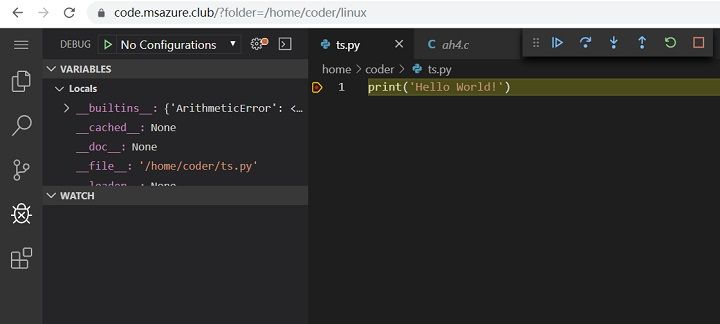
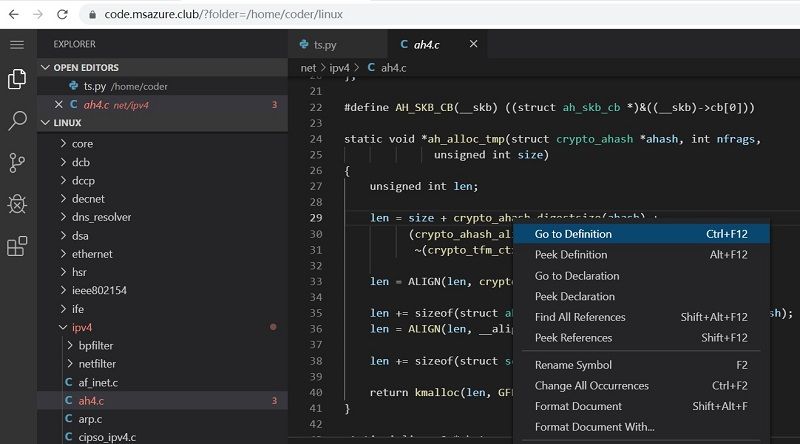
I also captured some screenshots to demonstrate what you can do from the online service.
- Online editing of a large Git repository
- Debugging Python code